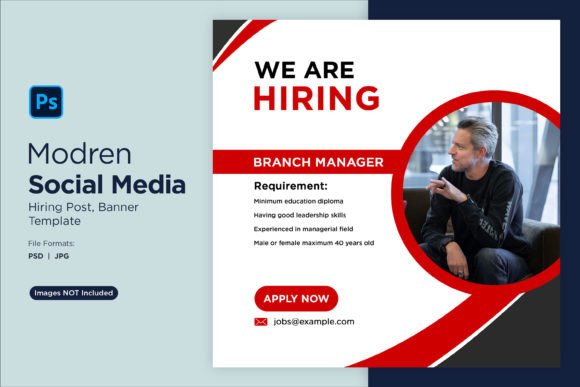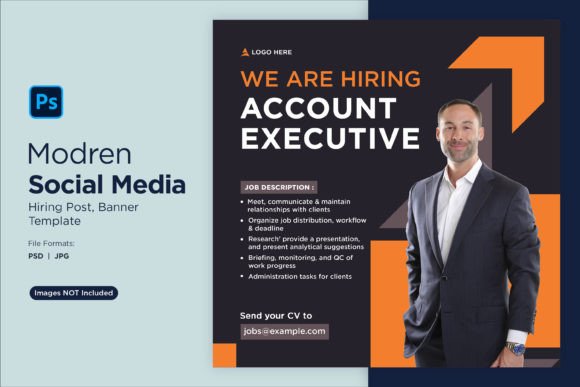
Attract Top Talent with This Modern Hiring Template
Standing out in a crowded job market requires more than just a compelling job description. When you're actively searching for new team members, your first impression often happens on social media. A well-crafted "We are Hiring" post can be the difference between attracting dozens of qualified applicants and getting lost in the scroll. That's where having a professional, ready-to-use design template becomes invaluable for businesses of all sizes.
Why Visual Consistency Matters in Recruitment Marketing
Think about the brands you trust most. Whether it's a local coffee shop or a tech startup, their visual identity feels cohesive across every touchpoint. The same principle applies when you're recruiting. Candidates form opinions about your company culture before they ever read a single line of your job posting. A polished social media graphic signals professionalism, attention to detail, and a workplace that values quality.
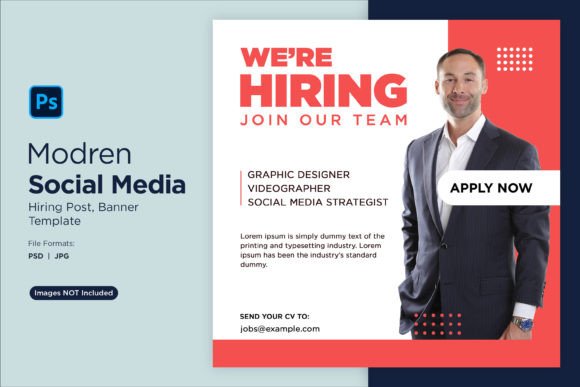
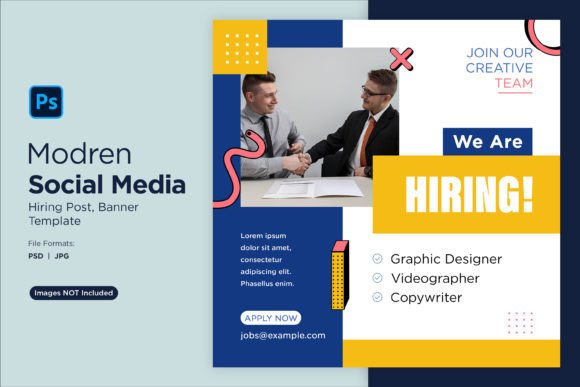
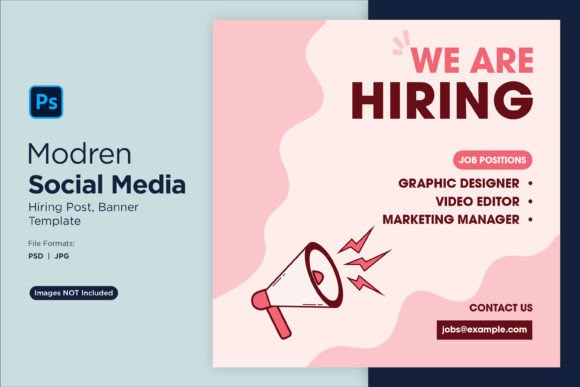
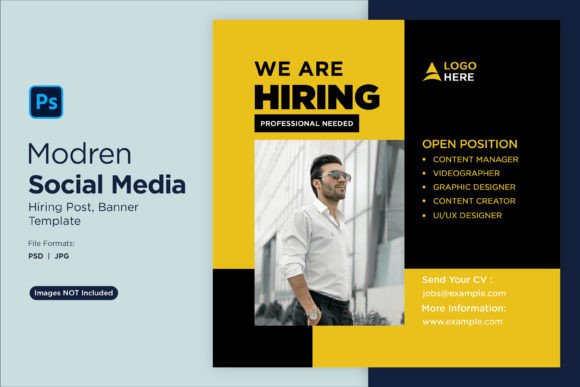
The We Are Hiring Social Media Post 94 template addresses this need directly. Built as a fully editable PSD file measuring 2500 x 2500 pixels, it gives you the flexibility to adapt the design to match your exact brand specifications. Swap out colors to reflect your palette, adjust typography to match your style guide, replace placeholder images with photos of your actual team or workspace, and modify shapes to create something uniquely yours.
Practical Applications Beyond Job Postings
While the primary purpose of this template is recruitment, its versatility extends much further. Marketing teams can repurpose the layout for various announcements, event promotions, or company milestone celebrations. Content creators working with small businesses often need quick-turnaround graphics that still look polished and intentional.
Consider these real-world scenarios where a customizable hiring template proves useful:
- Seasonal hiring pushes during peak business periods when you need to move fast
- Startup launches where building a team quickly is essential to growth
- Agency work where you're creating recruitment materials for multiple clients
- Internal communications announcing new positions to current employees who might refer candidates
- Career fair promotions where eye-catching visuals help you stand out among dozens of booths
- Employer branding campaigns designed to build awareness of your company as a desirable workplace
Smart Object Editing for Fast Customization
One of the biggest time-savers in modern design workflows is smart object functionality. Instead of manually repositioning elements or rebuilding layouts from scratch, you simply double-click the smart object layer, drop in your content, save, and watch the changes propagate throughout the entire design. This template leverages that approach, making it accessible even if you have intermediate Photoshop skills.
The included JPEG export means you can share preview files with stakeholders before committing to final versions. This back-and-forth approval process happens frequently in marketing departments and creative agencies, and having a quick export option keeps projects moving forward without unnecessary delays.
Here's what makes the editing process particularly smooth:
- Open the PSD file in Adobe Photoshop
- Locate the smart object layers marked for customization
- Double-click to open the editable content area
- Insert your company logo, team photo, or custom imagery
- Adjust text layers with your specific job title and details
- Modify background colors or patterns to align with your brand
- Export as JPEG or PNG for immediate social media upload
Platform-Specific Considerations for Maximum Reach
Different social platforms favor different content styles and dimensions. A square 2500 x 2500 pixel format works exceptionally well across Instagram feed posts, Facebook updates, and Pinterest pins. Twitter and LinkedIn also display square graphics effectively, though you might want to test how the composition reads at smaller thumbnail sizes.
When customizing your hiring post, pay attention to where text elements sit within the frame. Mobile users make up the majority of social media traffic, so critical information like job titles and application instructions should be large enough to read without zooming. Avoid placing important details near the edges where platform UI elements might overlap them.
Color contrast deserves special attention here as well. If your brand uses lighter tones, ensure that text remains legible against backgrounds. Adding a subtle overlay or choosing a darker shade for typography can dramatically improve readability without compromising your aesthetic vision.
Building a Cohesive Employer Brand Identity
Recruitment marketing works best when it feels like a natural extension of your overall brand strategy. The fonts, colors, imagery style, and tone you use in a hiring post should echo what candidates see on your website, in your email communications, and during the interview process. This consistency builds trust and helps applicants envision themselves as part of your organization.
Think about the message your design choices send. A clean, minimalist layout with ample white space suggests an organized, modern workplace. Bold colors and dynamic typography might appeal to creative candidates looking for energetic environments. Earth tones and organic shapes could signal a company that values sustainability and work-life balance.
The template's structure allows you to experiment with these visual cues without starting from a blank canvas. Use it as a foundation, then layer in personality through your specific brand elements. Over time, you'll develop a recognizable visual language for all your recruitment materials that strengthens your employer brand across every channel.
Tips for Writing Compelling Hiring Post Copy
Even the most beautiful design falls flat without strong accompanying text. Keep your messaging concise and candidate-focused. Instead of listing every qualification requirement, highlight what makes your opportunity exciting. Mention growth potential, unique perks, team culture, or the impact the role has on your mission.
Include a clear call to action. Tell people exactly where to apply, whether that's a careers page link, an email address, or a specific application portal. Remove friction from the process whenever possible, and consider adding a deadline to create gentle urgency.
Pair your customized template with a thoughtful caption that tells a story about why someone should want to join your team. Share a brief anecdote about a recent company win, mention a team tradition, or describe the kind of person who thrives in your environment. Authenticity resonates far more than corporate jargon, especially with younger professionals evaluating potential employers.
Having reliable design assets like this hiring template in your toolkit means you can respond quickly when opportunities arise to grow your team. Rather than scrambling to create something from scratch or settling for generic clip art, you'll have a professional foundation ready for customization. That speed and quality combination gives you a genuine competitive advantage in the race for top talent.